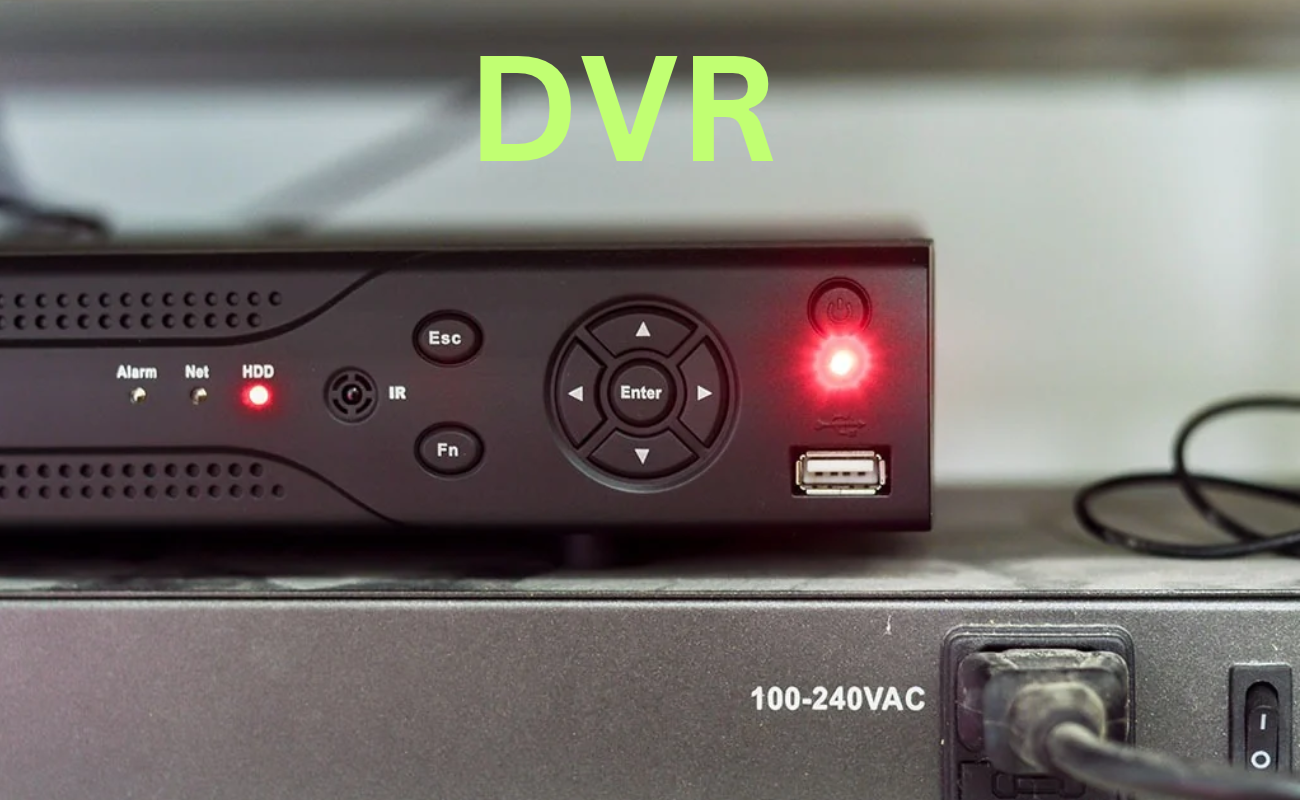
The DVR full form is Digital Video Recorder. It’s the box which captures what your analog CCTV cameras see and stores it digitally as video. Many residences, stores and offices are still using one.
This article will help you understand what a DVR is, how it functions, the primary kinds, and the comparison of a DVR to NVR and cloud systems, as well as the disadvantages. Towards the end, you will understand whether or not a DVR is the right fit for you.
What is a DVR and How Does it Work?
A DVR is a box that can be used to store video footage from analog security cameras. It turns the camera signal into digits, compresses it and stores it on a hard drive. Once you have done this you can play back the recordings, search them by date and time, and copy clips as evidence.
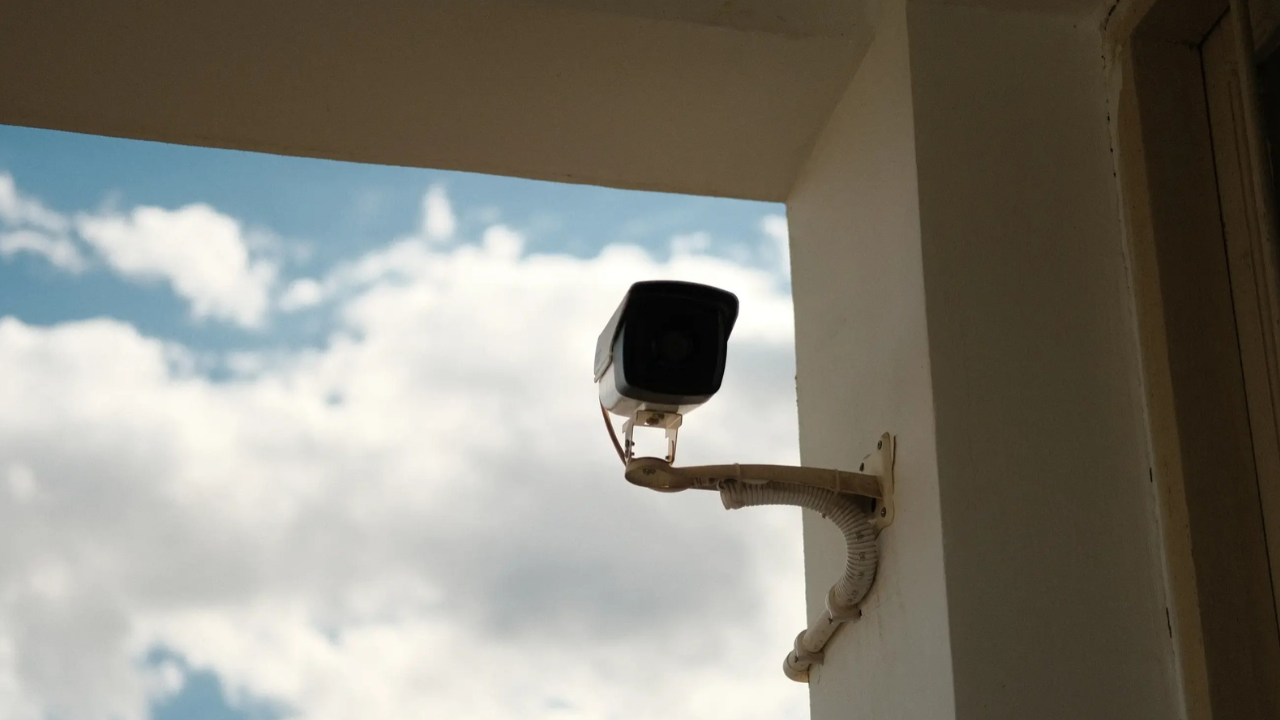
How it works. A coaxial cable is used to transmit the signal from each camera to the DVR. It is converted to a digital signal within, typically at around 30 frames per second. The DVR then compresses the video using various compression methods like H.264 or H.265 video compression. This is important because video files are huge when they are raw. A modest drive can accommodate weeks of footage with compression.
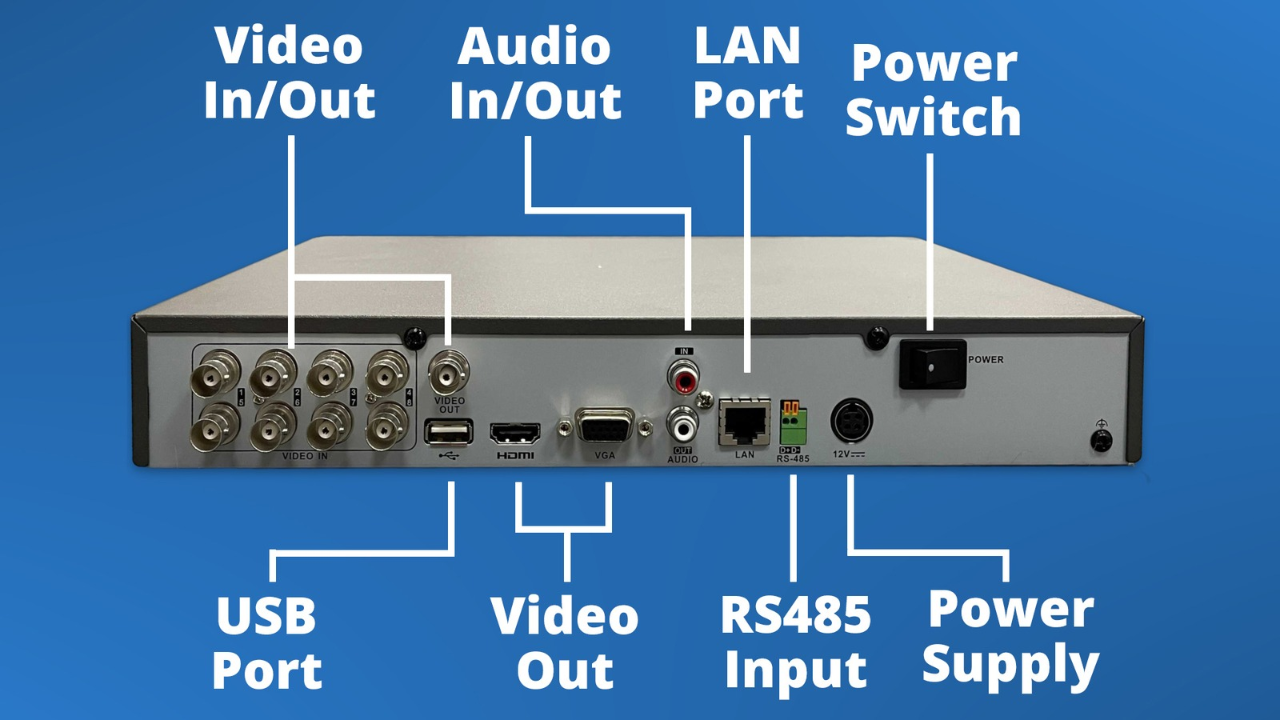
A standard DVR consists of a processor, video capture cards, a hard drive (from 1TB to 16TB), a power supply, and a motherboard. Once the drive is full, the DVR will record in a circular manner. This is because it replaces the oldest footage with new footage and recording never stops.
What are the Different Types of DVR Systems?
Standalone DVRs: These are standalone units that plug directly into your cameras, monitor and network. Easy to attach and stable to use. They are good for small and medium sites, most support 4 to 32 cameras.
PC-based DVRs: These rely on software for your computer to record. They are easily customizable and maintainable. If the computer malfunctions, however, the recording comes to a halt. They can also be vulnerable to malware if they are not protected from the internet when connected.
Hybrid DVRs: They can be used with both analog and IP cameras, giving you the flexibility to upgrade gradually. They are meant as a temporary solution. The majority of experts recommend gradually transition to IP cameras.
DVR vs. NVR vs. Cloud: Which Is Better?
There are three types of recordings: Camera type, storage, and cost.
- DVR: Analog cameras over coaxial cable and stores locally. Low start-up expenses.
- NVR: Works with IP cameras over Ethernet. It can support higher resolution (4K), and is more easily expandable.
- Cloud: Save video to the cloud for viewing from anywhere. Usually requires a monthly payment.
If your requirements are limited, and unlikely to grow, go with a DVR. If you’re planning on expansion, select an NVR. If you wish to be able to access files easily and have them backed up automatically, and are fine with paying a monthly fee, then you should go with cloud.
What Are the Limitations of DVR Systems?
Video quality: They will not tend to be as high resolution as IP cameras as faces and number plates can be difficult to read from afar with analog cameras. The images at night can be grainy and long cable runs can cause the signal to weaken.
Scaling: If the number of cameras is increased, new cables must be installed and sometimes a larger recorder must be purchased. Many DVRs are not feasible beyond 16-32 cameras.
Manual setup: In many cases, the viewing of footage over the internet will require port forwarding and other manual set up. This may take time and can pose security threats.
Is it worth buying a DVR System?
A DVR is still a viable option for a small store with 4-8 cameras, on a budget, or using existing analog wiring. Also, recording remains local which is useful in areas with outages in internet connectivity. If you are new to a system, or are planning for a 5 or more years plan, then an NVR or cloud system is typically a superior option because it provides sharper video, remote access and better value.
FAQs
1.What is the full form of the DVR?
DVR is short for Digital Video Recorder. It can record video from analog CCTV cameras, digitize the footage, compress it, and store it on a hard drive for viewing and/or exporting later.
2. What is the difference between a DVR and an NVR?
A DVR is an analog over coax device that operates with analog cameras and records video within the unit. An NVR connects to IP cameras via a network.
3. How many hours does a DVR retain videos?
This really depends on the size of the hard drive, the resolution of the cameras, the compression ratio and the number of cameras.
4. Can I watch DVR footage on my phone?
A considerable number of current DVRs have mobile apps, but you will typically have to configure your network first. Phones may not be compatible with older models.
5. Is it safe to use DVR systems?
A physically secure DVR is a locked, offline DVR. Online units are vulnerable to risks when they are using default passwords, outdated firmware, and/or open ports.
Read More: Car Toyota RAV4: Pricing, Trims, Performance and Features
[…] Read More: DVR Full Form: What Is a Digital Video Recorder and How Does It Work? […]